


Microsoft's video editor
When we talk about video editing on a PC we usually think about complicated solutions that offer almost professional results, as is the case of Adobe Premiere, Final Cut or Pinnacle Studio, and the most of the time we forget about the average user, without advanced knowledge, that just want to make a small edit and is not interested in the excellent features that the previous products can offer us. And for those occasions, nothing better than a simple video editor as you can use once you download Windows Movie Maker for PC. It has been around for years, getting inexperienced users in the field of video editors out of tight spots, ever since it was launched for Windows ME to the latest Windows 10. The product has been off the market since 2012, but this latest version that turns out to be the best of them all (much better than Movie Maker 2.1 or 2.6), still runs on the most modern operating systems.
A basic video editor, ideal for homemade creations.
Main features
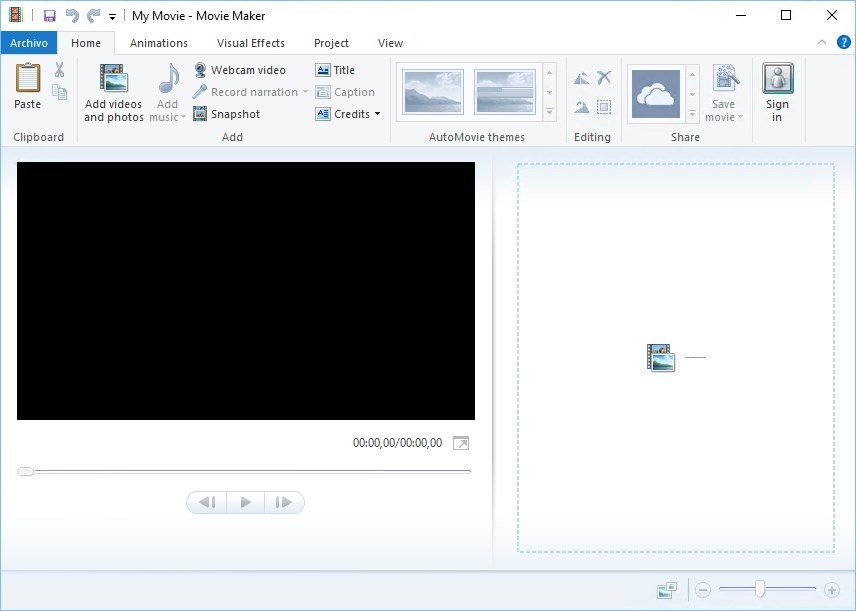
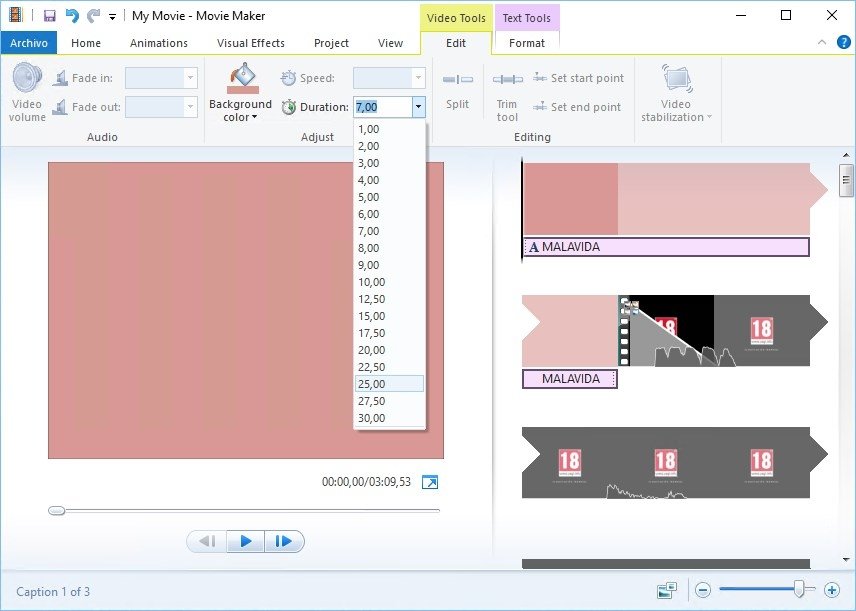
From a simple, sober and clean interface, that has hardly evolved through its different versions, you can carry out actions such as the following:
- Create your own movies or animations using photos or other videos.
- Possibility to import video, fixed images or audio.
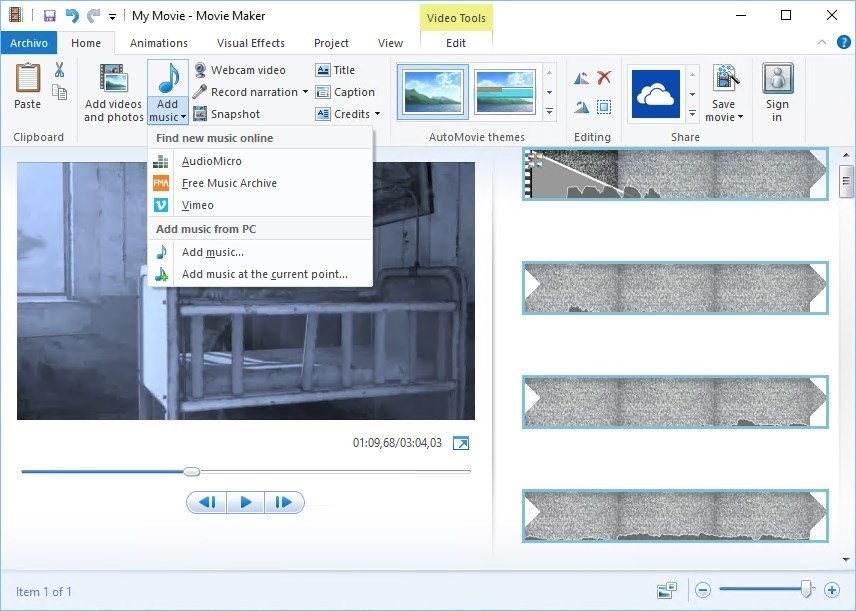
- Option to add music from our music library or download it from online services.
- Record video from a webcam and audio narrations from a microphone.
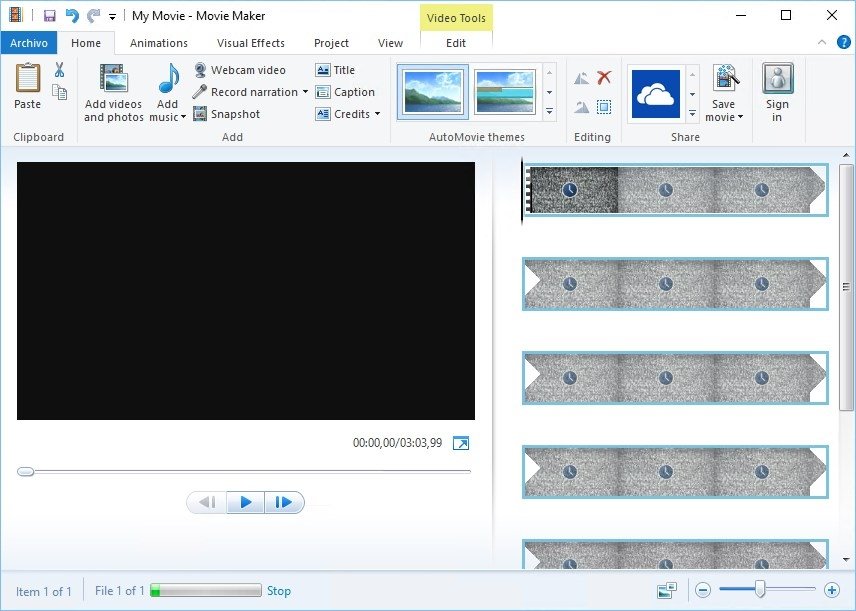
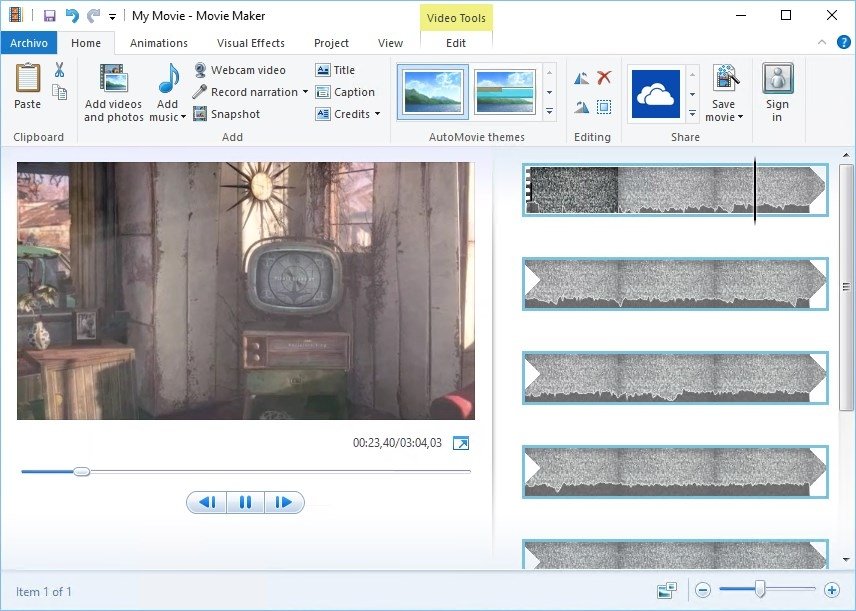
- Modify the sequence of frames of a video dragging and dropping them on a timeline.
- Turn up or down the volume of narrations, music or video.
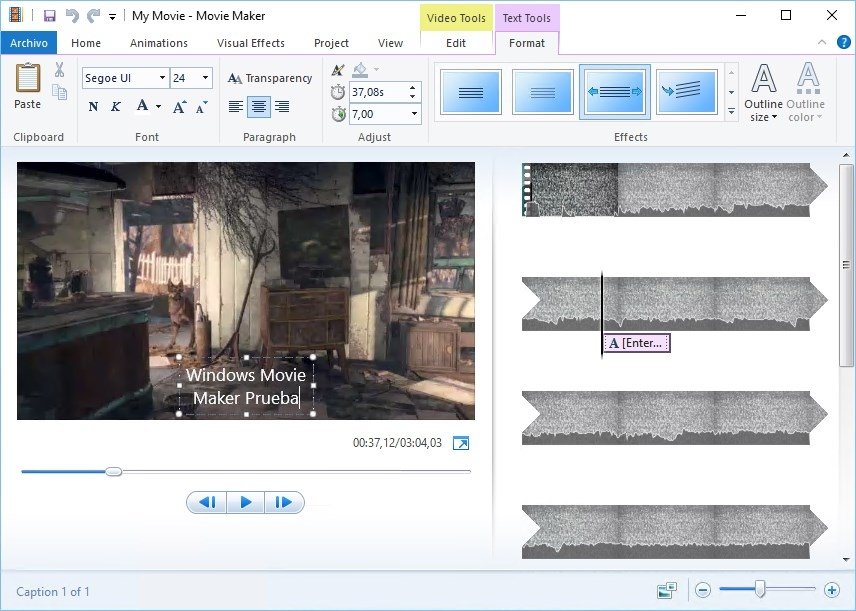
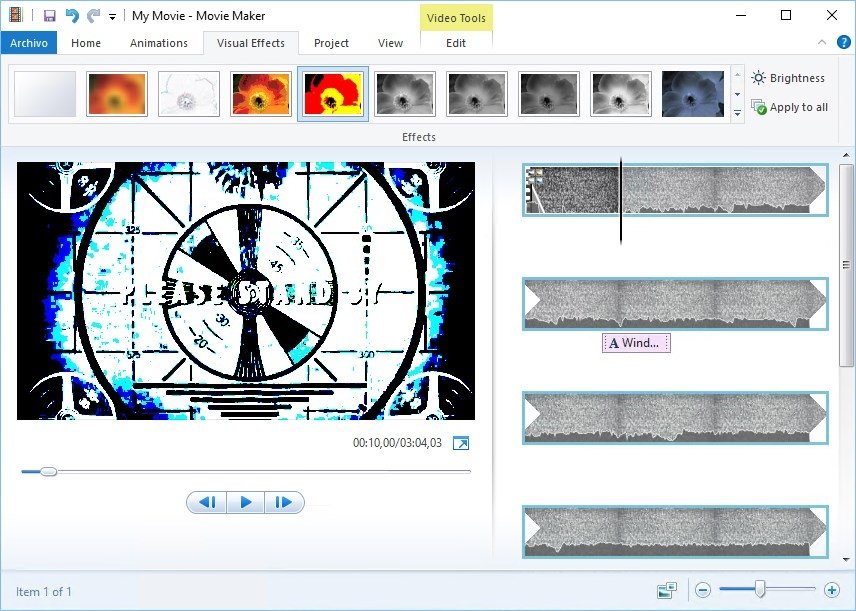
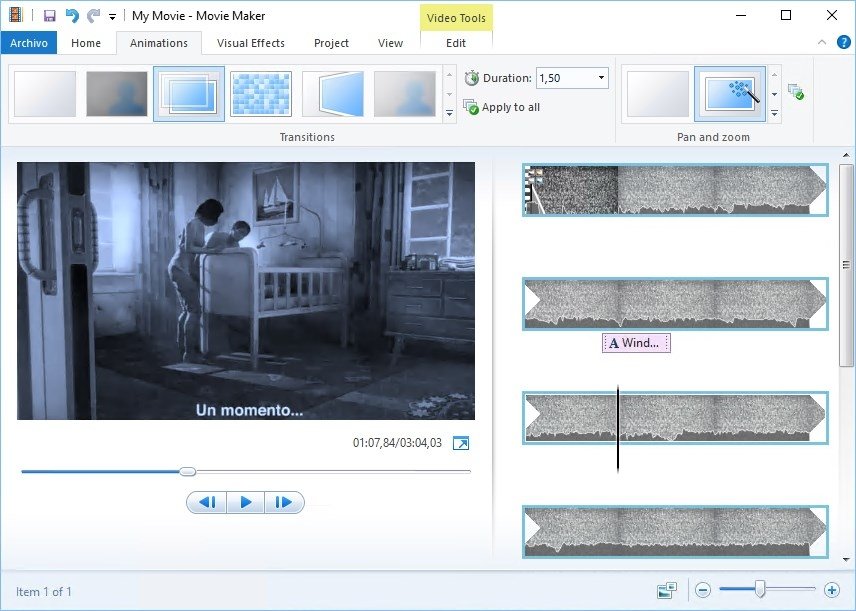
- Add image effects, transitions and subtitles.
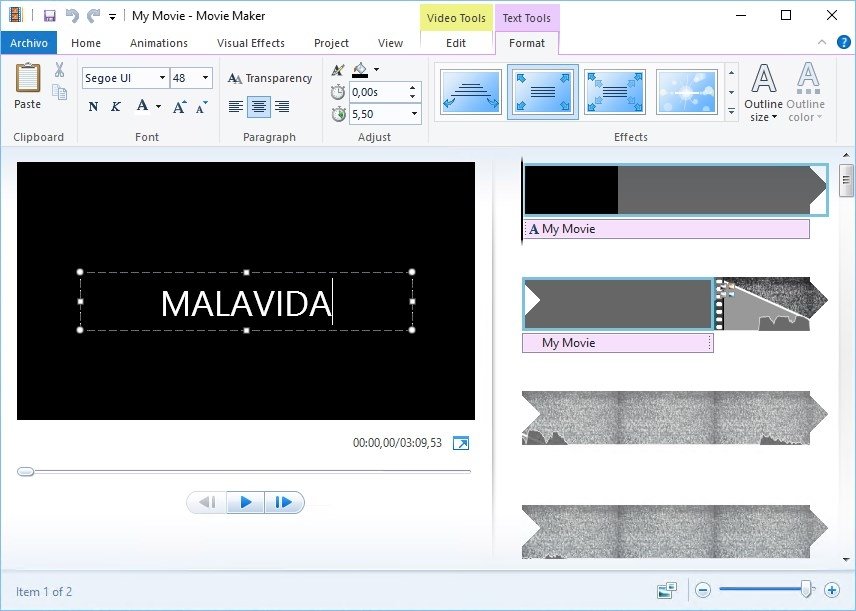
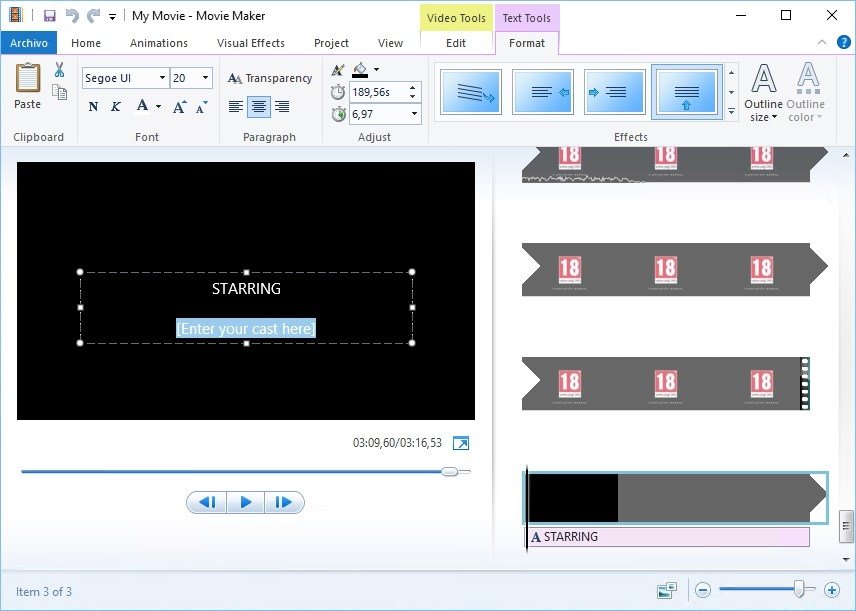
- Incorporate opening or closing credits to name the stars, the director, the location or the OST writer.
- Preview your videos before finishing them.
- Save your creations locally, upload them to the cloud or send them by email.
Where to download Windows Movie Maker for PC? Where can I find its installer?
You're probably driving yourself crazy looking for an installation file for this program without too much success. That's because it doesn't exist as a standalone application but is included within the pack of tools Windows Live Essentials. You can still find the 2012 version of this software on the official website of Microsoft by following the link we're offering you through our download button.
By running the EXE file you choose between installing all the programs that are part of the pack of tools, including Messenger, Mail, Writer or OneDrve, or choosing the individual components to be installed. In this case, Photo Gallery & Movie Maker come as the same product. Then you've only got to hit the Install button and wait for a few seconds for the process to be completed.
If you want to carry on enjoying the advantages of Movie Maker 2012 you're going to have to hurry up as Microsoft has announced that it will no longer be available after January of 2017, replacing the app with a much more modern version on its Windows Store.
Requirements and additional information:
- Doesn't work on Window XP or older systems.
 Antony Peel
A Telecommunications Engineer, chance led me to the translation industry, where after a few years, I discovered another side of the world of technology while translating what others were writing about mobile applications and software. That...